Sold out · Ask us about restocking
Not available to order right now.
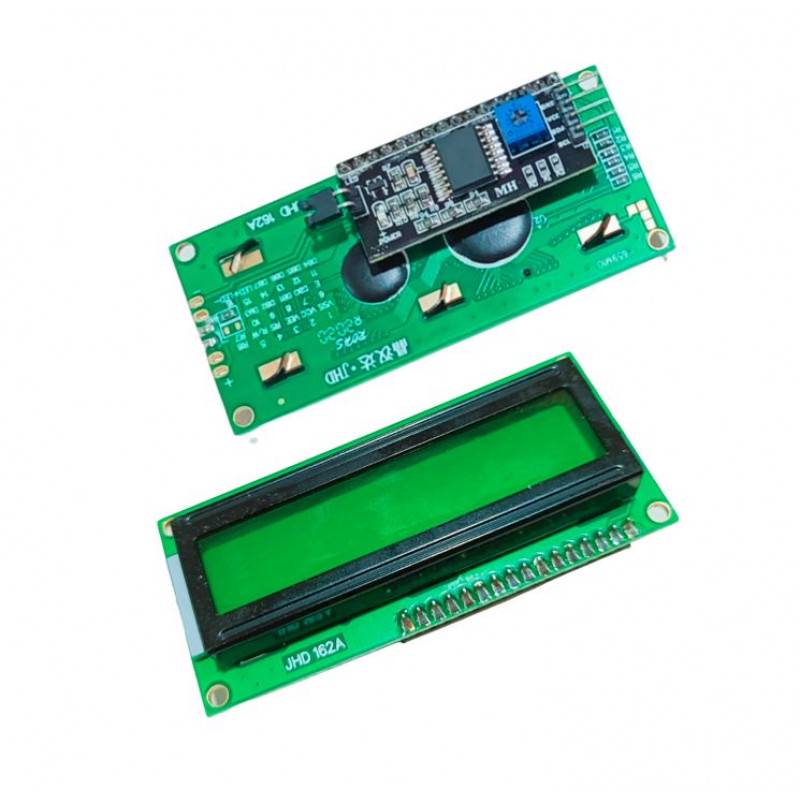
This 1602 (16x2) LCD display offers a simple and cost-effective way to add a 16 by 2 character display to your projects. An I2C adapter is soldered directly to the display pins, which reduces wiring and saves Arduino pins compared with a standard parallel connection that needs six or more.
The characters are black on a green background, with a single LED backlight that can be dimmed easily with a resistor or with PWM.
The interface is I2C at the default address 0x27 and the supply voltage is 5 V. Connect GND, VCC, SDA and SCL, install an I2C LCD library, initialise it with the address and write text with a few lines of code. If nothing appears, adjust the contrast trimmer on the adapter and check the address with an I2C scanner sketch.
The display is useful for showing sensor values, menus, timers and status messages, and works with Arduino and other microcontrollers that have an I2C bus.
Beginners who want an easy text display and anyone who wants to save pins on a project with many sensors.
If the display shows blocks or nothing at all, adjust the small blue contrast trimmer on the back of the adapter until characters appear. If it still does not work, run an I2C scanner to confirm that the address is 0x27 and try 0x3F as an alternative. Use short wires, and keep the SDA and SCL lines away from motor wiring.
Sixteen characters on two rows.
I2C, with the default address 0x27.
5 V.
Green, with black text.
Yes, with a resistor or PWM.
| Brand | Generic |
|---|---|
| Display Interface | I2C/IIC |
| Selling unit | PCS |